
SSU-24ExEi-ZS
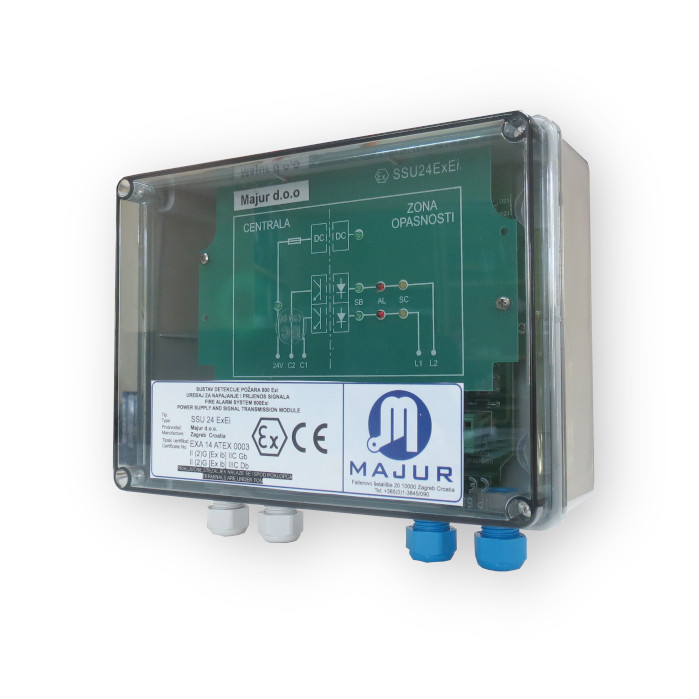
1. Remove the cover from the SSU 24 ExEi device
2. Mark the four holes for securing the lining box and drill them
3. Bring the cables on the blue connectors to the Exi signal cables, while on the gray connectors connect the 24V mains or UPS cables
4. Secure them, SSU 24 ExEi should work
5. Replace the cover with four screws
Instructions for use and design